 JSON Beautifier
Format and minify
Indent a document for reading or remove extra whitespace for a compact copy. Values and object key order stay intact.
Offline Android app
Format, validate, and minify JSON on your phone. Open a local file, explore nested data in a tree, and save a copy right on your device.
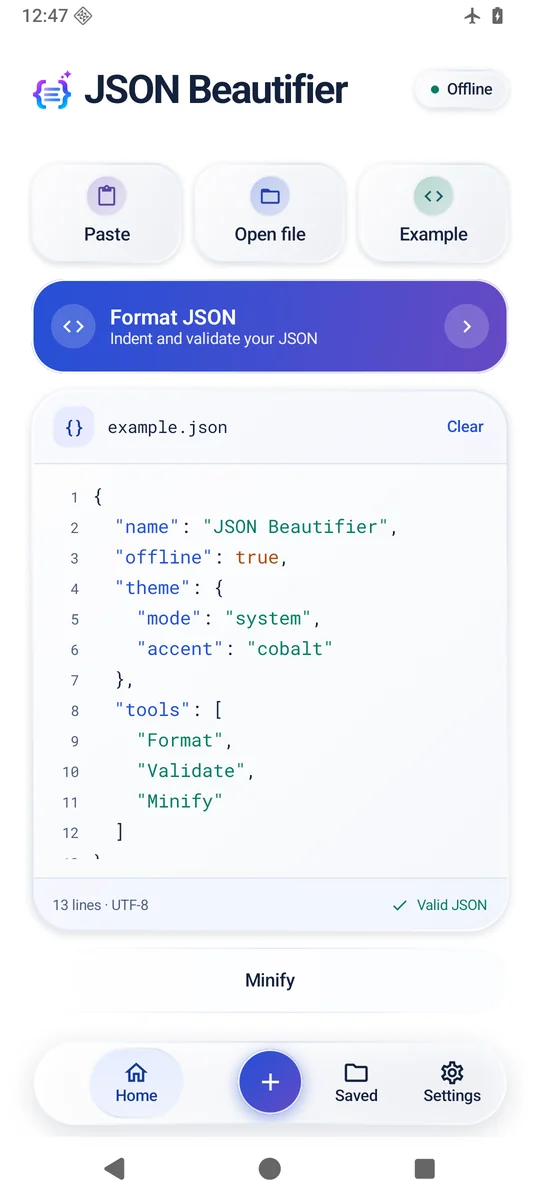
Indent a document for reading or remove extra whitespace for a compact copy. Values and object key order stay intact.
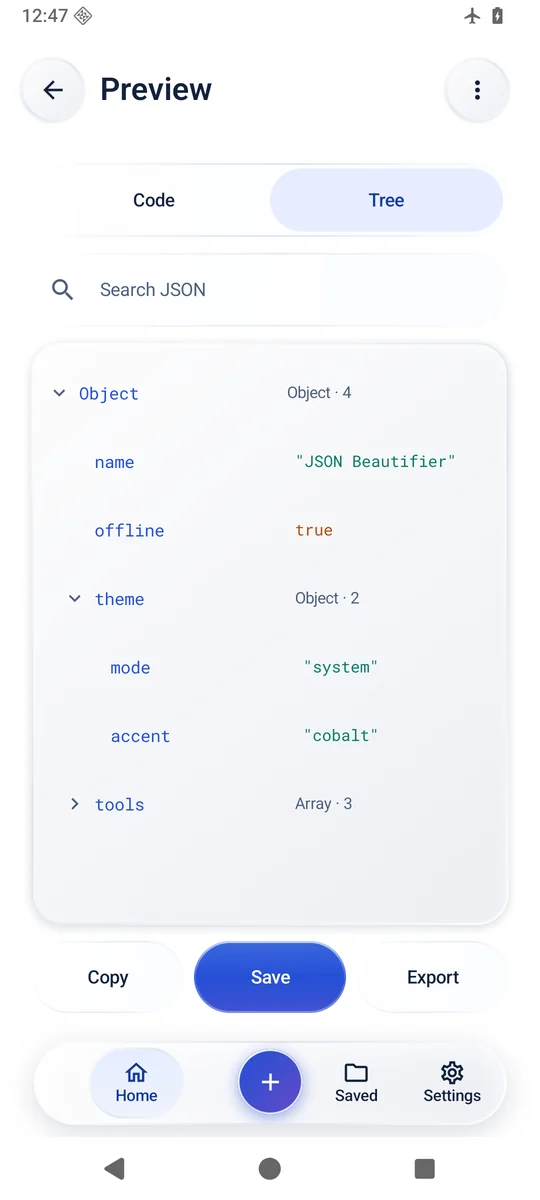
Switch between code and an expandable tree. Search the output or use the error’s line and column to jump back to a problem.
Keep a local library of documents, or export a file to a location you choose through Android’s file picker.
Start with a small document to learn the tools.
{
  "name": "JSON Beautifier",
  "offline": true,
  "tools": ["Format", "Validate", "Minify"]
}Yes. Formatting, minifying, validation, tree view, and the local library work on your Android device. Android may also show cloud locations in its file picker. Choose a file already available on your device when you are offline.
Formatting adds whitespace and indentation for readability. Minifying removes whitespace between JSON tokens for a more compact result. Both preserve the values and the whitespace inside quoted strings.
Home shows an explanation with a line and column. Tap the message to move the cursor. Check that object keys and strings use double quotes, and remove trailing commas before closing braces or brackets.